Select Server Window
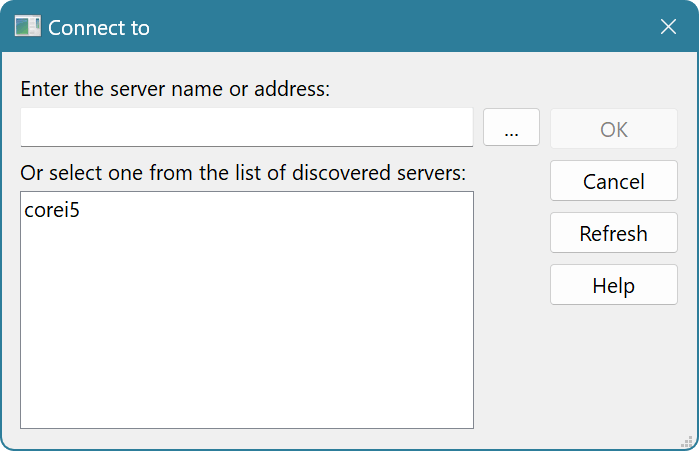

You have the following options to select a remote server:
- Enter the server address manually. Server address can either be specified using its name, IPv4 or IPv6 address and optional port number. If port number is not specified, the default port 43580 is used.
- Press the … browse button to browse for a computer on a local or domain network. Standard Windows dialog for locating computers is displayed.
- Use one of auto-discovered servers. If server's advertisement mode is on and all appropriate network conditions are met, the server will automatically be visible in the “Discovered servers” list.