Pattern Coloring
Hex Editor Neo provides a feature called “Pattern Coloring” that can be used to automatically highlight specific patterns in an edited document. Each rule allows setting a semi-transparent background and outline colors as well as text color. Optional text description may also be specified.
The user may also configure if a given rule applies its highlighting, provides a tooltip in an editor window, displays an information box in its info pane or if it is enabled at all.
This component supports the following pattern coloring rule types:
Pattern Rule
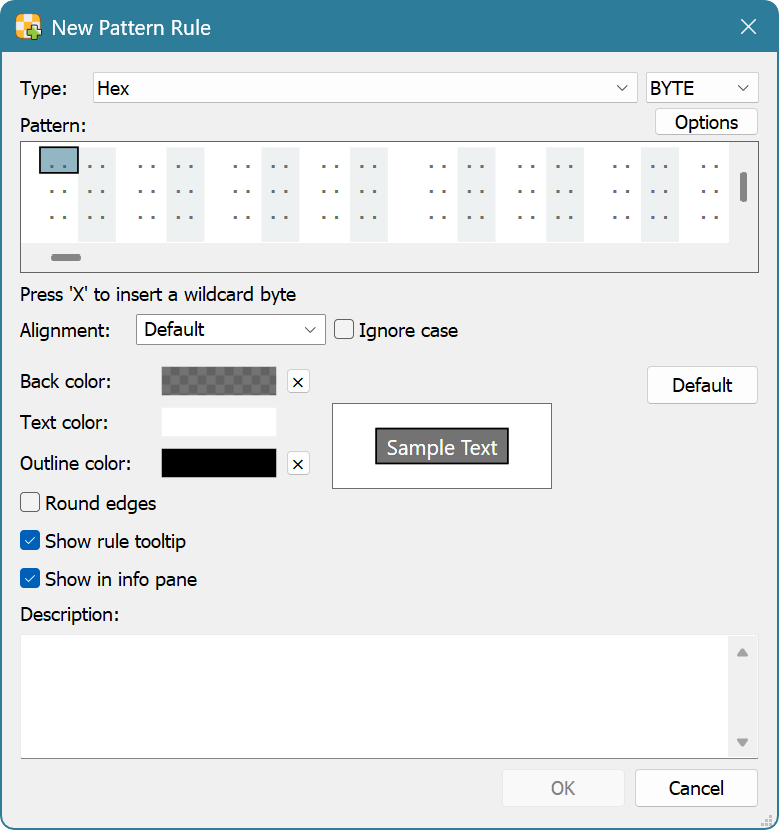
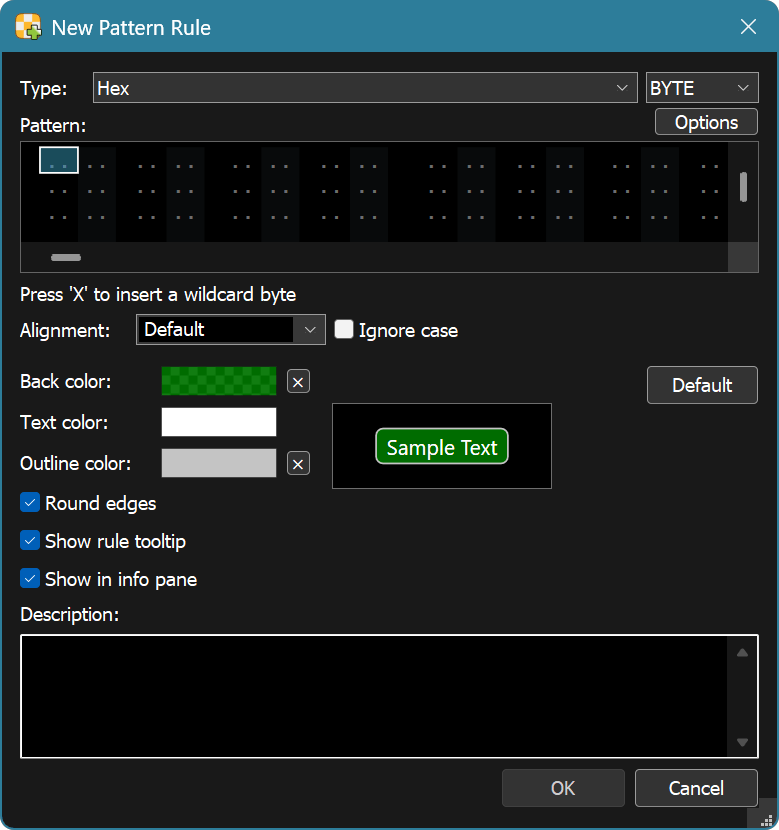
A pattern may specify any kind of supported search pattern: a text string in a given encoding, a value array of a given type, wildcard pattern or a regular expression. It also has an ignore case parameter.
Whenever a given pattern is detected in a document, configured highlighting rules are applied.
Use the Tools » Pattern Coloring » New Pattern Rule… command to create a new pattern rule.
Range Rule
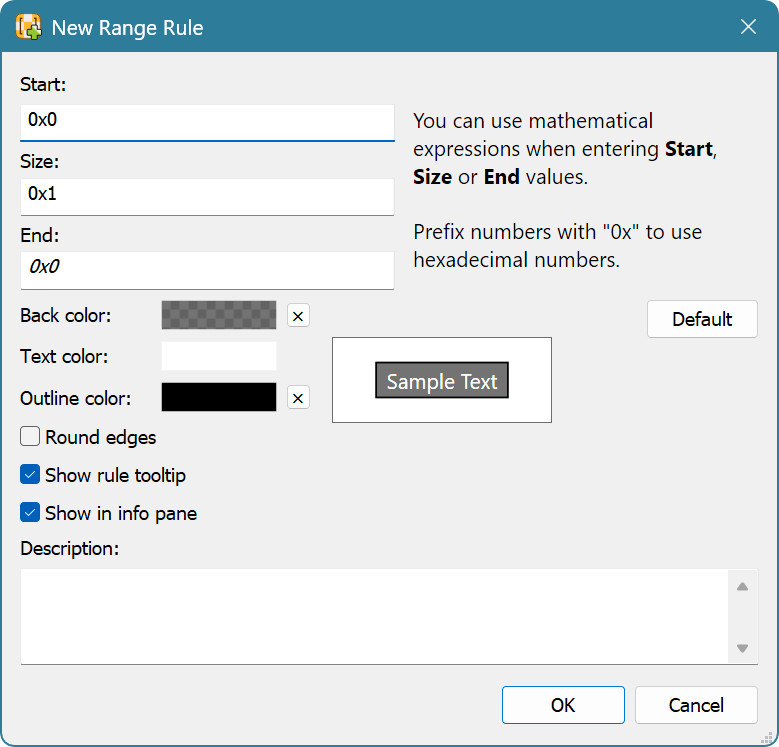
Range rule applies rule's highlighting to a given range in a document.
Use the Tools » Pattern Coloring » New Range Rule… command to create a new pattern rule.

Value Range Rule
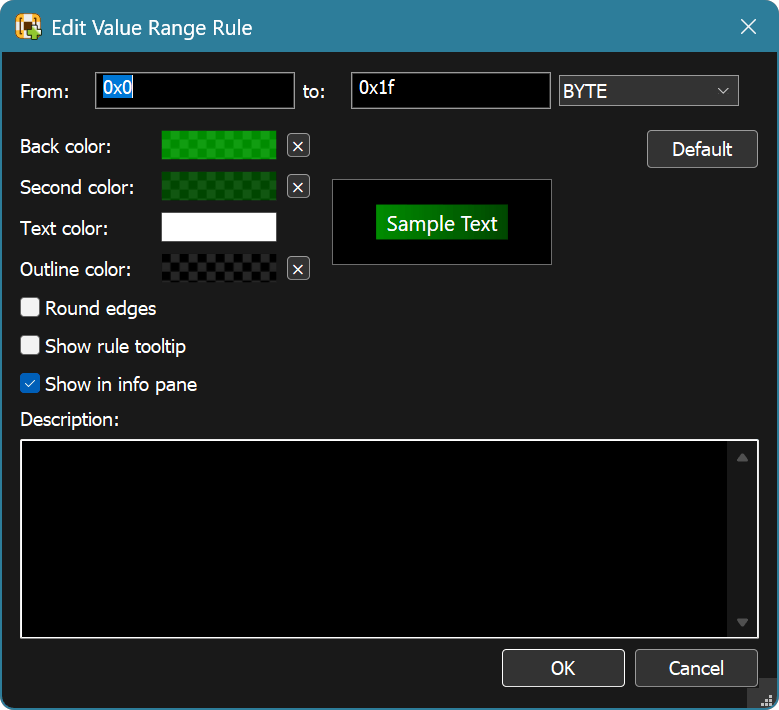
A value range is defined by specifying the minimum and maximum value of a given type. Both integer and floating-point ranges are supported. In addition to standard background, text and outline colors, value range may have an additional background color. If set, a gradient filling is performed, depending on the “distance” of a matched value from the beginning of the value range.
It is recommended to use a transparent outline color if you use gradient background highlighting for better appearance.
Use the Tools » Pattern Coloring » New Value Range Rule… command to create a new pattern rule.

A Pattern Coloring Tool Window is used to define one or more patterns and coloring rules. For each defined pattern (or range), background color, foreground (text) color, outline color and rounded edges flag are defined. It is recommended to specify semi-transparent background colors. In this case, if several modules apply coloring to the same editor's cell, it is still possible to differentiate them.
Scripting Support
Pattern coloring feature may fully be controlled using scripting. See the Pattern Coloring Object interface for more information.