Create/Modify Annotation
This window allows you to provide text comments for a new or existing data annotation and specify a color scheme for it.
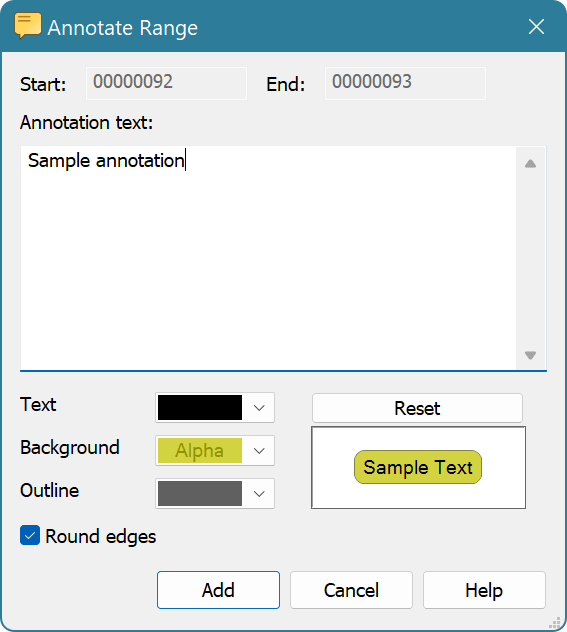
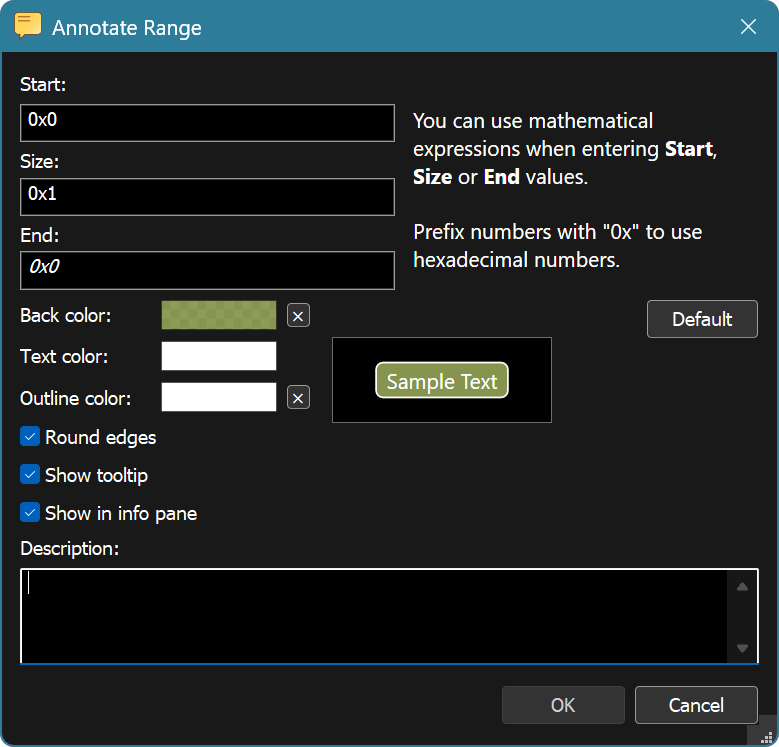
Make sure you set non-opaque alpha value for a background color to achieve best color mixing in the editor.
When focus is on a color control, you can use the Edit » Copy and Edit » Paste commands to copy colors using Clipboard. Press the X button next to a color control to make it transparent or press the Default button to reset the scheme.
Default annotation coloring may be configured in the Themes settings page.